Drafts and versions
Drafts, versions and answers that stay valid
Edit a form as much as you like. Publishing freezes a version, and every response stays tied to the version it was answered on.
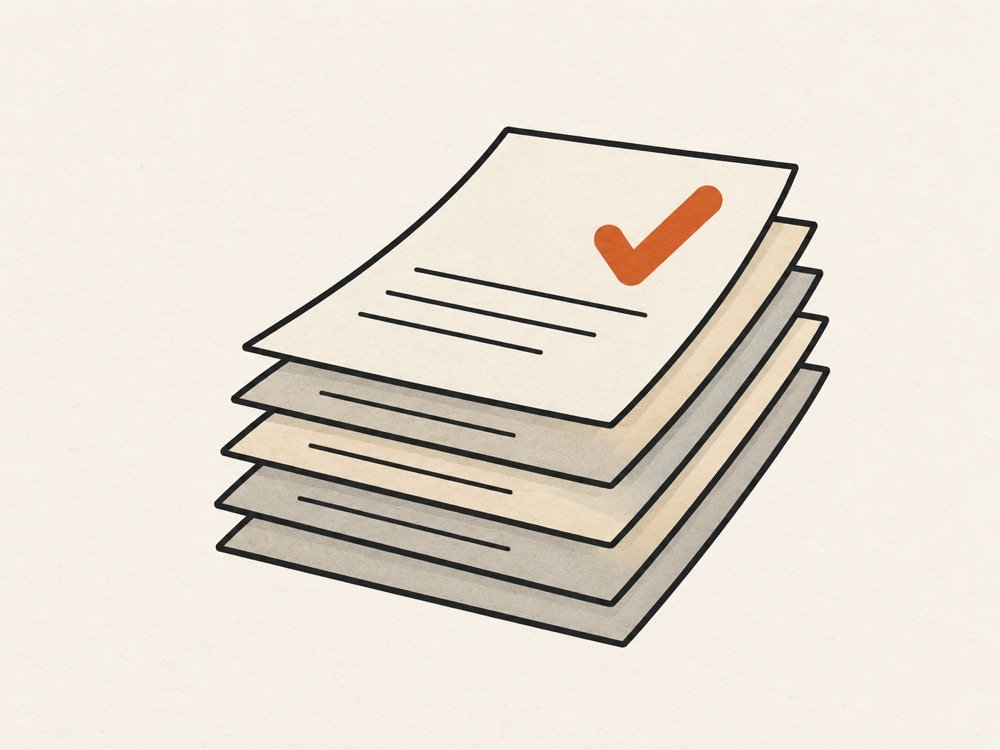
Two copies of every form
Each form has a draft and, once published, a live version. The draft is what the editor changes. The live version is what respondents see. They only meet when you press Publish.
What publishing does
Publishing checks the draft for problems, then saves it as a new version. A version is never edited afterwards. Publish ten times and there are ten versions; the version history button in the editor lists them.
Why answers stay valid
Every response records the version it was answered on. When you open results or export, each answer is read against that version's questions, not against the current draft. Reword a question, delete an option or add a page, and older responses still show exactly what the respondent was asked.
Question ids stay the same across versions, so a reworded question is still the same question when you look at it over time.
Settings that do not wait for a publish
Some things should change immediately: closing a form, an open or close date, a response limit, a password, a closed message, requiring sign-in. Those are live settings. They apply on the next request.
If the draft went wrong
Discard it and you are back on the last published version.